 Flick
AI Film Generator: Turn a Script Into a Coherent Film
A useful AI film generator does not stop at text-to-video. It preserves the intent of the script while you move from scene outline to storyboard, shots, and the final edit.
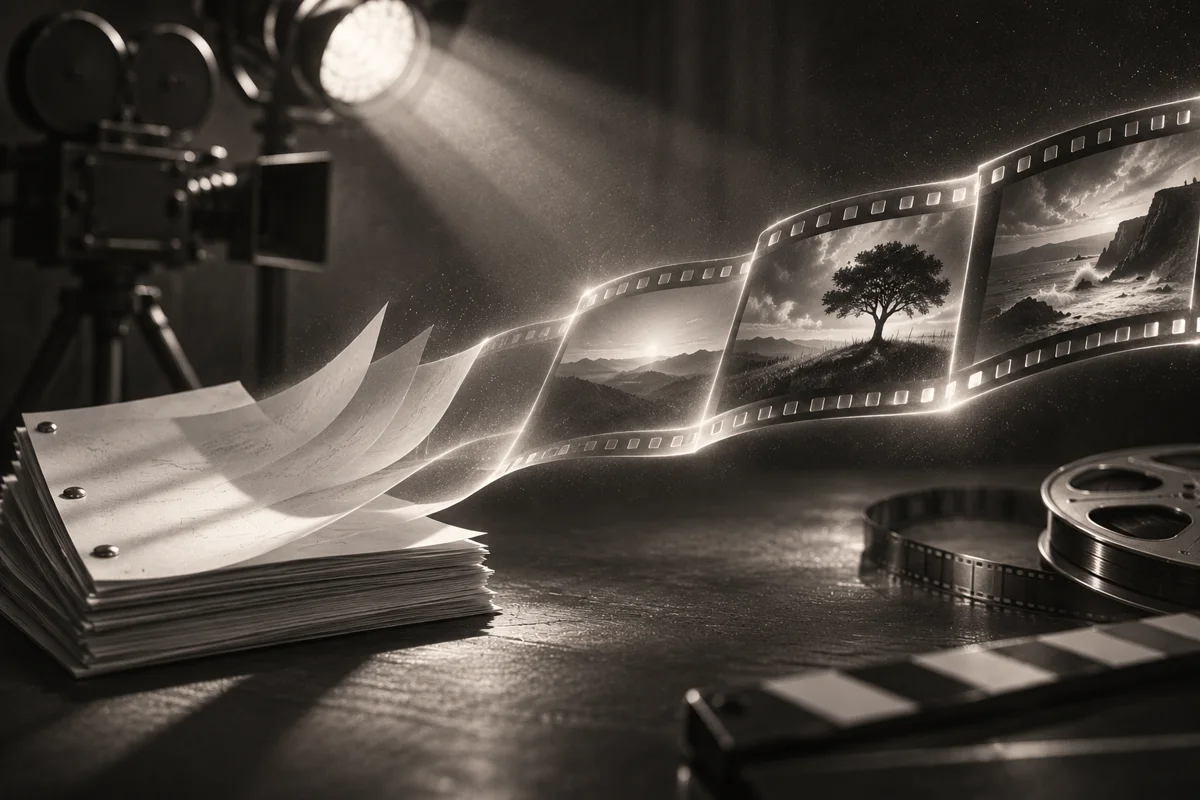
How does an AI film generator turn a script into scenes?
The first step is not generation; it is interpretation. A scene needs to be reduced to dramatic beats, location, characters, visual rules, and camera intent. That information becomes the bridge between the screenplay and the model prompts.
A strong scene breakdown identifies what changes between the first shot and the last. If two characters begin calm and end in conflict, the shot selection should show that progression. Generating several attractive frames without that structure produces a moodboard, not a film.
What should the storyboard include before generation starts?
Each storyboard panel should answer four questions: who is in frame, where the scene takes place, what the camera sees, and what the viewer learns. Keep the beats specific enough to guide generation but open enough for the model to contribute visual ideas.
Reference images are equally important. Lock the character’s face, wardrobe, proportions, and defining details. Establish the location with a wide view and an angle that will repeat. When those anchors remain visible in the canvas, later shots are easier to evaluate for continuity.
- Scene objective and emotional turn
- Characters, wardrobe, and continuity details
- Location geography and lighting
- Shot size, camera movement, and duration intent
- Dialogue, action, and transition into the next scene
How do you stop AI shots from looking disconnected?
Continuity comes from constraints. Reuse a character reference rather than rewriting a description from scratch. Carry a location reference through every angle. Keep a small, explicit palette and lens language. Review shots side by side before committing to the edit.
The edit is part of continuity, too. A close-up can hide a costume mismatch; a cut on action can turn two imperfect takes into one event. Do not judge each generated shot in isolation. Judge the sequence.
How much of the script should one generation pass cover?
Generate one shot or a tightly connected shot group at a time. Long batches create two problems: they consume credits before the visual direction is proven, and they make it harder to identify which prompt decision caused a failed result.
A practical sequence is establishing shot, character shot, action or dialogue coverage, reaction, and transition. Once a scene works, reuse its successful character and location decisions for the next scene.
What is the best first project for an AI film generator?
Choose a 30-to-60-second scene with one location, two characters at most, and one clear change. Avoid crowds, complex costume changes, and effects that depend on perfect physical simulation. The goal is to prove the workflow before testing spectacle.
Write the scene, create six to ten storyboard panels, generate controlled alternatives, and cut a rough sequence. If the story still reads without titles or explanation, the workflow is working.
One prompt versus a script-to-film workflow
| Decision | Single prompt | Script-to-film workflow |
|---|---|---|
| Story control | Compressed into one description | Developed scene by scene with a visible intent |
| Character continuity | Repeated or improvised | Anchored with persistent references |
| Revision | Regenerate the whole output | Replace or adjust a specific shot |
| Editing | The clip is treated as the result | Takes are assembled into a sequence |
Frequently asked questions
Can I upload a script and generate a complete film automatically?+
A script can guide the project, but a coherent film still needs scene breakdown, shot design, character references, generation choices, and editing. Automation is most useful when each decision stays visible and editable.
What is the best script length for an AI film generator?+
Begin with a scene of roughly 30 to 60 seconds. Shorter material makes it easier to test continuity and establish a repeatable production process before expanding to multiple scenes.
Can AI generate dialogue and action from the script?+
The script can define dialogue, action, and pacing, while supported image and video models generate the visual material. The final result still requires editorial judgment and may require separate handling for audio.
How many generations should I make for each shot?+
Generate enough alternatives to compare framing and performance, then stop once the shot serves the sequence. A fixed batch size wastes credits when the visual direction is already wrong.
Turn the next scene into a film
Move from script and storyboard to generated shots and an edit without losing the context that holds the story together.