 Flick
AI Storyboard Generator for Film and Video
A storyboard should reveal how the scene plays, not simply illustrate each line of dialogue. The right AI workflow turns a script into visual decisions you can generate against.
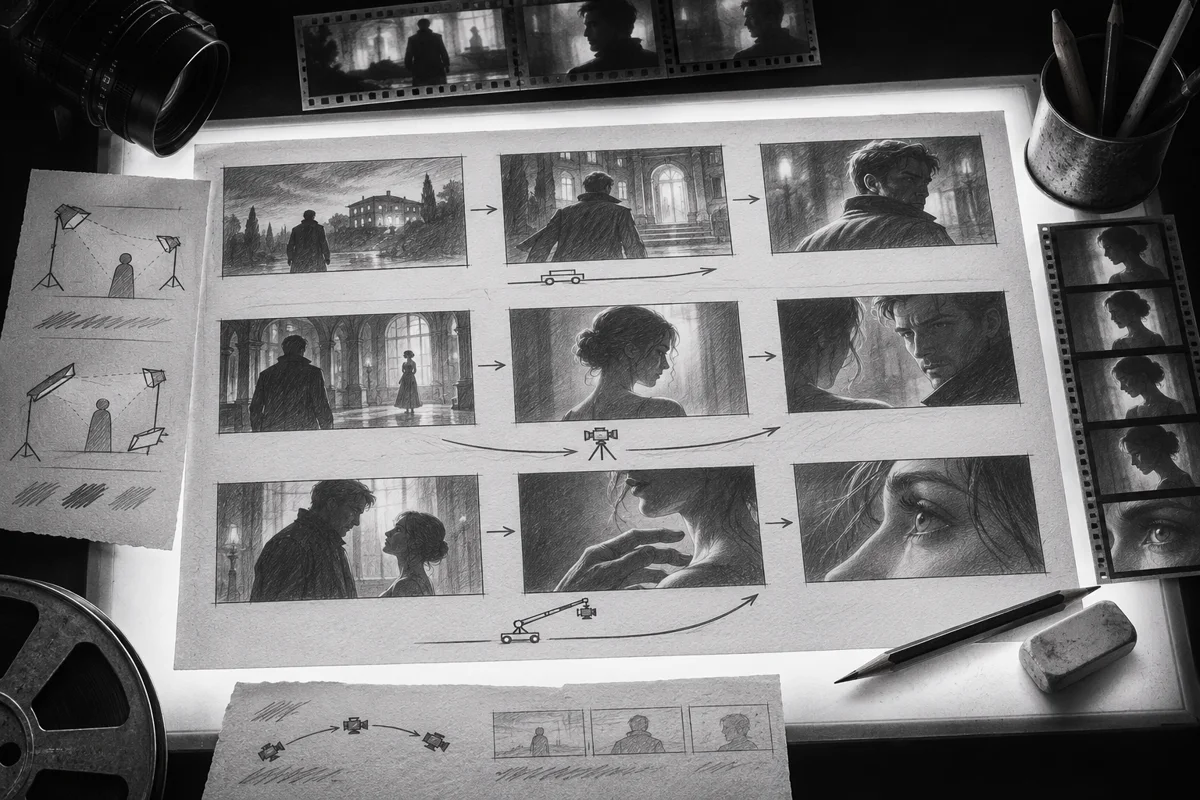
How do you turn a script into storyboard beats?
Begin with changes, not sentences. Mark every point where the character learns something, makes a decision, or changes the balance of power. Those are the beats that need coverage.
Dialogue may require several shots, while a visual action may need only one. A storyboard should show the information the audience needs and the rhythm of reveal. It does not need to represent every word as a separate image.
What belongs in an AI-ready storyboard panel?
An AI-ready board combines the visual frame with production instructions. Describe who is visible, where they stand, what the camera sees, what changes during the shot, and how the shot connects to the next panel.
Use consistent references for characters and locations. If a board shows a new angle, the frame should still feel as if it belongs to the same room and the same performance.
- One dramatic purpose per panel
- Character, wardrobe, and continuity notes
- Shot size, lens feel, and camera movement
- Lighting and production-design anchors
- Action beginning and ending state
- Transition into the next shot
Should every storyboard frame become an AI video shot?
No. A storyboard is a planning tool, and the edit will reveal what the sequence actually needs. Some panels prove geography; others become generated shots. A reaction may be better created after the main performance is known.
Treat the board as a hypothesis. Generate the highest-risk panels first: recurring characters, complex motion, unusual locations, and shots where continuity matters most. If those work, the rest of the scene becomes more predictable.
How do you keep a storyboard visually consistent?
Consistency starts with a compact visual bible: reference images, palette, wardrobe, key props, and a small set of camera rules. Reuse it across the boards instead of re-describing the world in every prompt.
Review the sequence as a contact sheet. Repeated framing can flatten the scene; uncontrolled changes can make adjacent shots feel like different films. Variation should be deliberate.
How does a storyboard improve the final AI edit?
The storyboard gives the editor a hypothesis for pacing and coverage before generation costs accumulate. As stronger takes arrive, the board can change, but every change has a reference point.
It also creates a useful review language. Instead of asking whether an image is beautiful, the team can ask whether the shot performs the intended beat and fits the surrounding sequence.
What each planning layer contributes
| Layer | Question it answers | Output |
|---|---|---|
| Script | What happens and why? | Story, dialogue, action, and emotional progression |
| Beat sheet | Where does the scene change? | A concise sequence of dramatic turns |
| Storyboard | How will the audience see it? | Frames, shot sizes, camera intent, and continuity notes |
| Shot plan | How will this be generated and edited? | References, prompts, duration, alternates, and transition intent |
Frequently asked questions
Can AI create a storyboard directly from my screenplay?+
AI can help translate a script into visual beats and proposed frames, but a director still needs to approve shot intent, continuity, and pacing before generation.
How many storyboard panels does a scene need?+
Use the number required by the dramatic beats and coverage, not a fixed count. A simple 30-second scene may need six to ten panels; action or dialogue-heavy scenes may need more.
Do I need to draw to use an AI storyboard generator?+
No. Clear shot descriptions, references, and composition notes can guide AI-generated frames. Drawing skill helps with camera thinking, but it is not a prerequisite.
Can a storyboard keep characters consistent?+
A storyboard improves consistency when it carries approved character references and continuity notes into every panel. The same references should continue into video generation.
See the scene before you generate it
Move from script to boards, references, shots, and an edit on the same Flick canvas.