 Flick
AI Video Editor for Story-Driven Films
Generation creates material. Editing discovers the film. The strongest AI editor keeps shots, context, and revisions close enough that the sequence can evolve without losing the story.
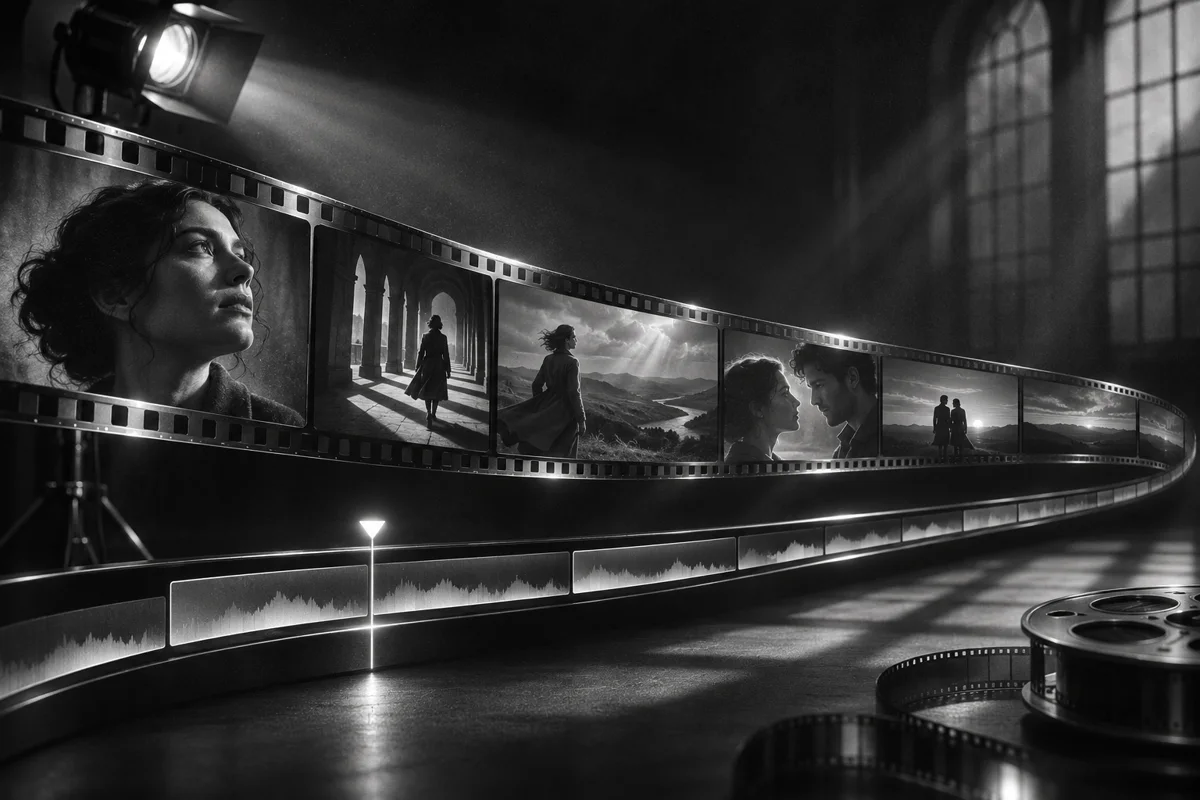
What should an AI video editor do beyond trimming clips?
Trimming removes time; editing creates meaning. An editor decides when the audience receives information, which reaction matters, where a cut builds energy, and when a longer take lets emotion breathe. AI can accelerate those decisions, but the sequence remains the source of truth.
A useful AI workflow keeps the relationship between a shot and its storyboard intent. When a take changes, the editor should still be able to see what beat the shot was meant to serve.
How do you choose between multiple AI-generated takes?
Judge each take against the surrounding shots. The best isolated clip may have the strongest composition but the wrong eyeline or motion direction. Place the alternates in sequence and compare the transition into and out of each one.
Use a simple hierarchy: story clarity first, continuity second, performance third, and visual polish last. A technically beautiful shot that confuses the sequence is not the winning take.
How should AI help with scene revision?
The most useful revision is local. If one reaction shot is weak, regenerate or replace that shot rather than rebuilding the whole scene. If the pacing drags, adjust the edit before generating more material.
Keep versions organized by scene and intent. Name the beat, the take, and the reason it was selected. That context is what prevents a growing generation library from becoming unusable.
- Replace a single shot without losing scene context
- Compare camera continuity at each cut
- Change rhythm before commissioning new coverage
- Preserve the storyboard intent behind each selected take
- Keep alternate endings or emotional beats available for review
When does an AI video need sound and motion finishing?
Picture editing establishes the scene’s order and rhythm first. Sound, dialogue, music, and final color then determine how the sequence feels. An edit that relies on music to cover missing visual logic usually needs another picture pass.
For AI films, use the edit to identify unstable motion or continuity before committing to expensive final generation. The final polish should support a sequence that already works.
What does a story-first AI editing workflow look like?
Assemble a rough cut with the best available takes, even if every shot is not final. Watch the sequence without effects. Mark missing information, weak transitions, and moments that feel longer than their dramatic purpose.
Then replace shots selectively, refine timing, and repeat. This order keeps generation spending tied to an actual editorial problem instead of an imagined one.
Clip editing versus film editing
| Decision | Clip-first approach | Story-first approach |
|---|---|---|
| Success test | The individual clip looks impressive | The sequence communicates the intended change |
| Revision target | Regenerate until the clip feels better | Fix the specific editorial problem |
| Continuity | Judged inside one shot | Judged across eyelines, wardrobe, motion, and transitions |
| Credit spending | Driven by visual uncertainty | Driven by observed gaps in the cut |
Frequently asked questions
Can I edit AI-generated video in Flick?+
Flick presents generation and editing as parts of the same filmmaking canvas. Availability of specific editing controls can depend on the current product and plan.
Is an AI video editor fully automatic?+
Automation can assist with repetitive tasks and suggestions, but story editing still requires decisions about performance, information, pacing, and emotional effect.
Should I edit before all shots are generated?+
Yes. A rough cut can reveal missing shots and pacing problems before more credits are spent. Generate the coverage the edit proves it needs.
What is the most common AI film editing mistake?+
Selecting clips in isolation. A collection of strong clips can still fail as a scene when eyelines, motion direction, wardrobe, or story logic do not connect.
Edit the film the shots belong to
Keep storyboards, generated takes, and the final sequence connected on one Flick canvas.